
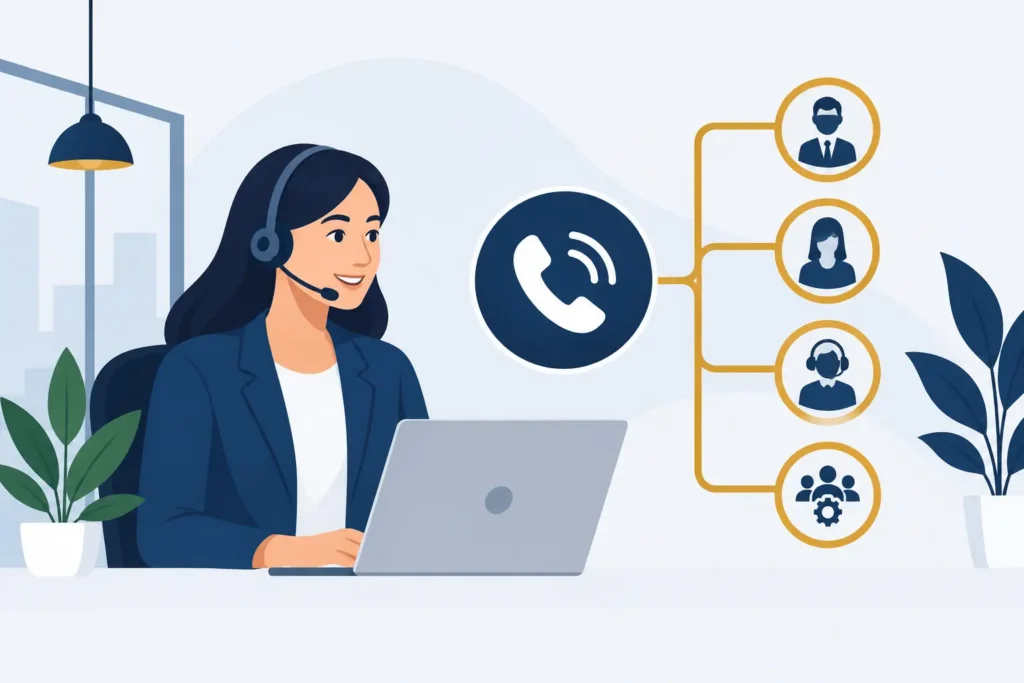
A caller reaches your business at 4:55 p.m., needs help before making a purchase, and hears six menu choices followed by a long pause. They hang up. That is not a phone-system issue. It is a lost opportunity caused by poor call flow. When you set up business auto attendant menus correctly, callers reach the right person or answer without needing to know your organization chart.
An auto attendant is the recorded greeting that answers a call and gives callers options, such as, “Press 1 for scheduling” or “Press 2 for billing.” It is sometimes called a virtual receptionist. For a small or mid-sized business, it can prevent missed calls, reduce routine transfers, and make a small team easier to reach. But it only works when the menu reflects how customers actually call you.
Start with the calls you receive most often
Do not begin by writing a greeting. Begin with your last few weeks of inbound calls. Look for the reasons people call, where calls tend to stall, and which team members get interrupted with questions they cannot answer.
A dental practice may receive appointment requests, rescheduling calls, insurance questions, and after-hours emergencies. A real estate brokerage may need separate paths for buyers, sellers, current clients, and agent inquiries. An accounting firm may need a clear distinction between prospective clients, tax document questions, and existing-account support.
Your menu should serve the largest and most time-sensitive call categories first. If 60 percent of your calls concern appointments, do not bury scheduling under option four. Put it first.
This review also exposes calls that should not reach a person at all. A short recorded answer to office hours, address, document-upload instructions, or order status can save staff time. Keep these recordings brief. Callers who need an answer should get it in one step, not listen to a second menu.
Map the route before you record anything
Write the call path on one page. Each choice should lead to a clear destination: an individual extension, a department ring group, voicemail, a recorded message, or another menu.
A ring group calls several people at once or in a selected order. It is useful when a caller needs the first available team member, such as a sales desk or front office. Decide whether calls should ring everyone simultaneously or follow a sequence. Simultaneous ringing reduces wait time, but can be distracting for a small team. Sequential ringing gives each person a chance to answer, but can make callers wait longer.
For most businesses, the first menu should have three to five choices. More than five forces callers to remember too much. If you have several departments, use a short top-level menu, then a second menu only where it is genuinely needed.
For example, a practical first menu could be:
- Press 1 for sales or new service inquiries.
- Press 2 for customer support or an existing order.
- Press 3 for billing and account questions.
- Press 4 for hours, location, or other common information.
- Press 0 to speak with the operator.
The zero option matters. Some callers have an unusual request, a language barrier, or trouble using phone menus. Give them a way to reach a person during business hours. Outside those hours, route them to a monitored voicemail box or an after-hours message with clear next steps.
Write a greeting people can follow
A good greeting is usually 20 to 30 seconds long. It identifies the business, sets expectations, and gives the main options in plain language. It does not need background music, slogans, or a detailed company history.
Try this structure: “Thank you for calling [Business Name]. For new appointments, press 1. For existing appointments or patient support, press 2. For billing, press 3. To speak with our front desk, press 0.”
Use the terms your callers use. A customer is more likely to understand “existing order” than “post-purchase fulfillment.” A patient may understand “appointments” more readily than “patient services.” Avoid internal department names unless customers already know them.
Record at a measured pace and leave a short pause after each option. If the person recording sounds rushed, callers will rush too and may press the wrong key. A professionally recorded greeting can be worthwhile for a high-volume business, but a clear in-house recording is better than waiting weeks to launch.
Set business hours and after-hours handling separately
One of the most common auto-attendant mistakes is sending evening callers into a daytime menu. A caller who hears “Press 1 for sales” at 9 p.m. may assume someone will answer, then leave frustrated when the call goes nowhere.
Create separate schedules for open, closed, holiday, and temporary hours. Your closed greeting should say when the business reopens and what callers should do next. If a message is monitored, say so. If it is not monitored until the next business day, say that instead.
Some businesses need an urgent path after hours. A healthcare practice may route clinical emergencies according to its policies. A property management company may route maintenance emergencies to an on-call number. Do not label a route “emergency” unless someone is prepared to respond. For all other calls, give the expected response window.
Build in a plan for unanswered calls
Routing a call to the right department is only half the job. You also need to decide what happens when nobody answers.
Set a reasonable ring duration, typically long enough for staff to respond but short enough that callers are not left listening indefinitely. Then send the call to a department voicemail box, a backup group, or an overflow team. The right choice depends on call volume and urgency.
A two-person office may prefer a shared voicemail box with a rule that messages are returned within one business hour. A busy sales team may send unanswered calls to the next available rep. A contact center team may use skills-based routing, which directs callers based on the type of help they need and the agents trained to provide it.
Make voicemail useful. Ask for a name, callback number, and short description of the request. State when the caller can expect a response. Generic mailbox greetings such as “Your call is important to us” do not help someone decide whether to wait, leave a message, or try again.
Test the setup as a caller would
Before making the auto attendant live, call it from a mobile phone and test every choice. Do not test only the happy path. Press an invalid key. Wait without pressing anything. Call during open and closed hours. Let a department ring out. Leave a voicemail and confirm that the right person receives it.
Check audio quality on mobile and desk phones. Listen for clipped recordings, inconsistent volume, long gaps, and messages that mention employees who no longer work there. If your business serves English- and Spanish-speaking callers, provide a clear language option at the start rather than mixing languages throughout the same menu.
Then ask someone outside your business to test it. Employees already know where every option goes, which makes them poor judges of whether the menu is intuitive. A customer, friend, or vendor can tell you where the wording creates confusion.
Review the menu after it goes live
An auto attendant is not a set-it-and-forget-it recording. Review it when staffing changes, hours change, or a new service becomes a major source of calls. Real-time call dashboards can show missed calls, call volume by time of day, and how long callers wait before reaching staff. Use that information to adjust the routes, not just to produce reports.
If callers frequently press zero, your menu may be too complicated or the choices may not match their needs. If one department receives a disproportionate number of transfers, it may need a clearer option at the beginning. If voicemail fills with the same basic question, add a concise recorded answer or improve the website information that triggered the calls.
There is also a limit to what a menu can do. An auto attendant is best for simple routing and repeatable information. If callers need to ask open-ended questions, book appointments, or qualify a service request, an AI voice agent may be a better fit. It can hold a natural conversation and route qualified callers to staff, while the auto attendant remains the simpler and lower-cost choice for straightforward call flows.
For businesses using Hosted VoIP, an auto attendant is part of the phone system rather than a separate receptionist contract. Cloud Vision Technologies offers Hosted VoIP starting at $16.99 per user per month, including auto-attendant tools, unlimited US and Canada calling, real-time dashboards, and US-based support. The practical value is not the menu itself. It is knowing that a caller has a clear path to the person or information they need.
Keep the first version simple, monitor where calls go, and revise it when your customers show you what they need. A well-run phone menu should feel almost invisible: callers get help quickly, and your team spends less time correcting the route.